
Admin console
The admin console (the Admin item in the top nav, visible only to admins) is where you configure the instance. This page is a map; each panel has its own page.
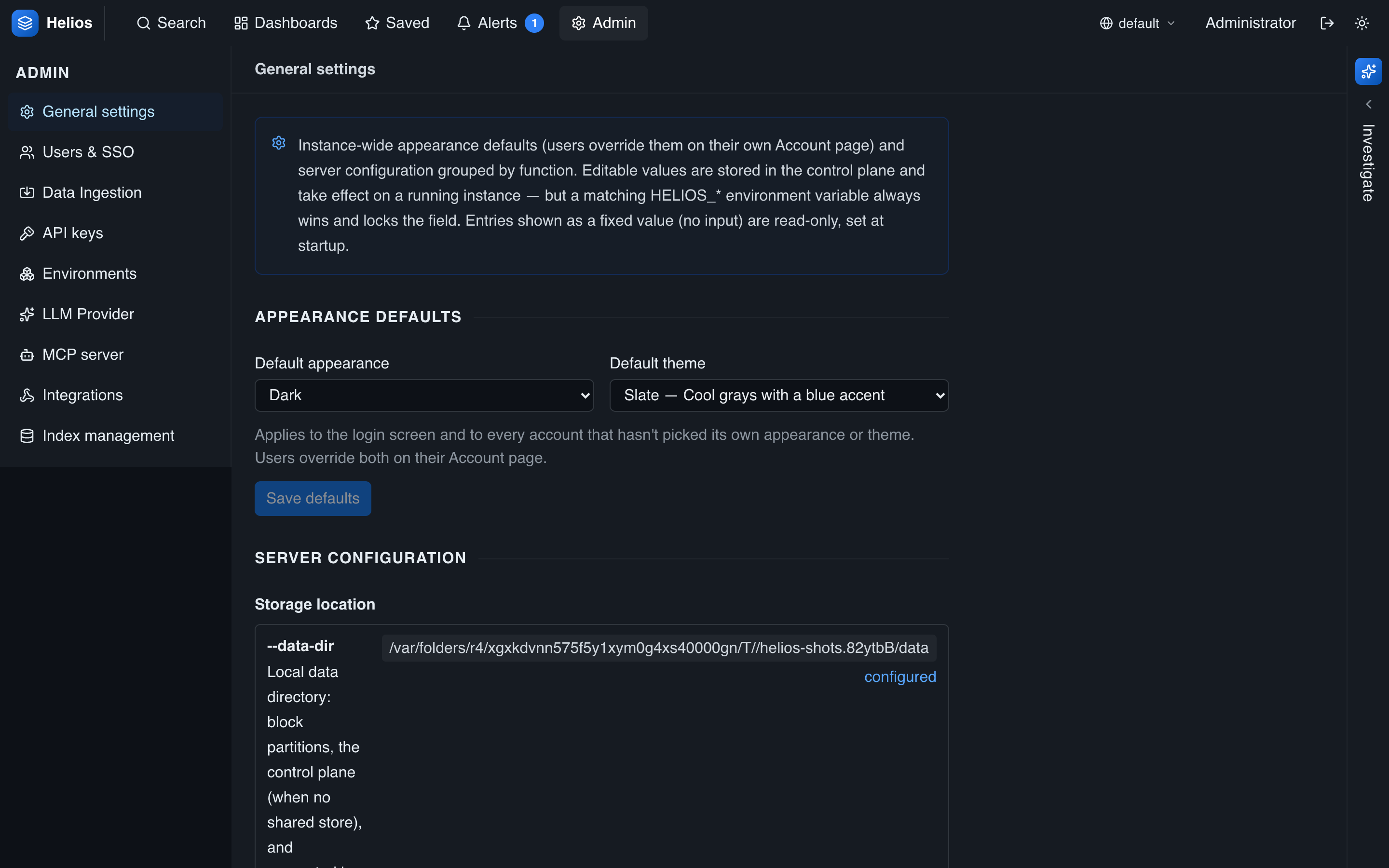
| Panel | What you manage | Page |
|---|---|---|
| General | Appearance defaults, server tunables, retention default, runtime/FIPS status. | General settings |
| Users & SSO | User accounts, roles, data-access allowlists, SAML. | Users & RBAC, SAML SSO |
| Data Ingestion | Ingest tokens & require-auth, pull sources, syslog. | Ingest tokens, Sources, Syslog |
| API keys | API keys with multi-select scopes (standard / admin / MCP), expiry. | API keys |
| Environments | Create/delete environments, per-env retention. | Environments |
| Indexes | The partition catalog and retention/GC. | Indexes & retention |
| LLM Provider | The AI agent's provider, model, and credentials. | Agent & LLM setup |
| MCP | The MCP server: enable, API-key auth, allowlists. | MCP server |
| Integrations | Alert webhook delivery. | Notifications |
Admin vs. standard users
- Admins see the admin console and have unrestricted data access. They manage users, environments, ingestion, AI/MCP, and settings.
- Standard users see Search, Dashboards, Saved searches, Alerts, and the agent — scoped by their data-access allowlist.
Most configuration is stored in the encrypted control plane and, with a shared store, shared across all nodes.