
Live tail
Live tail turns the search results into a continuously updating, newest-at-the-bottom feed — the log-following experience of tail -f, filtered by your query.
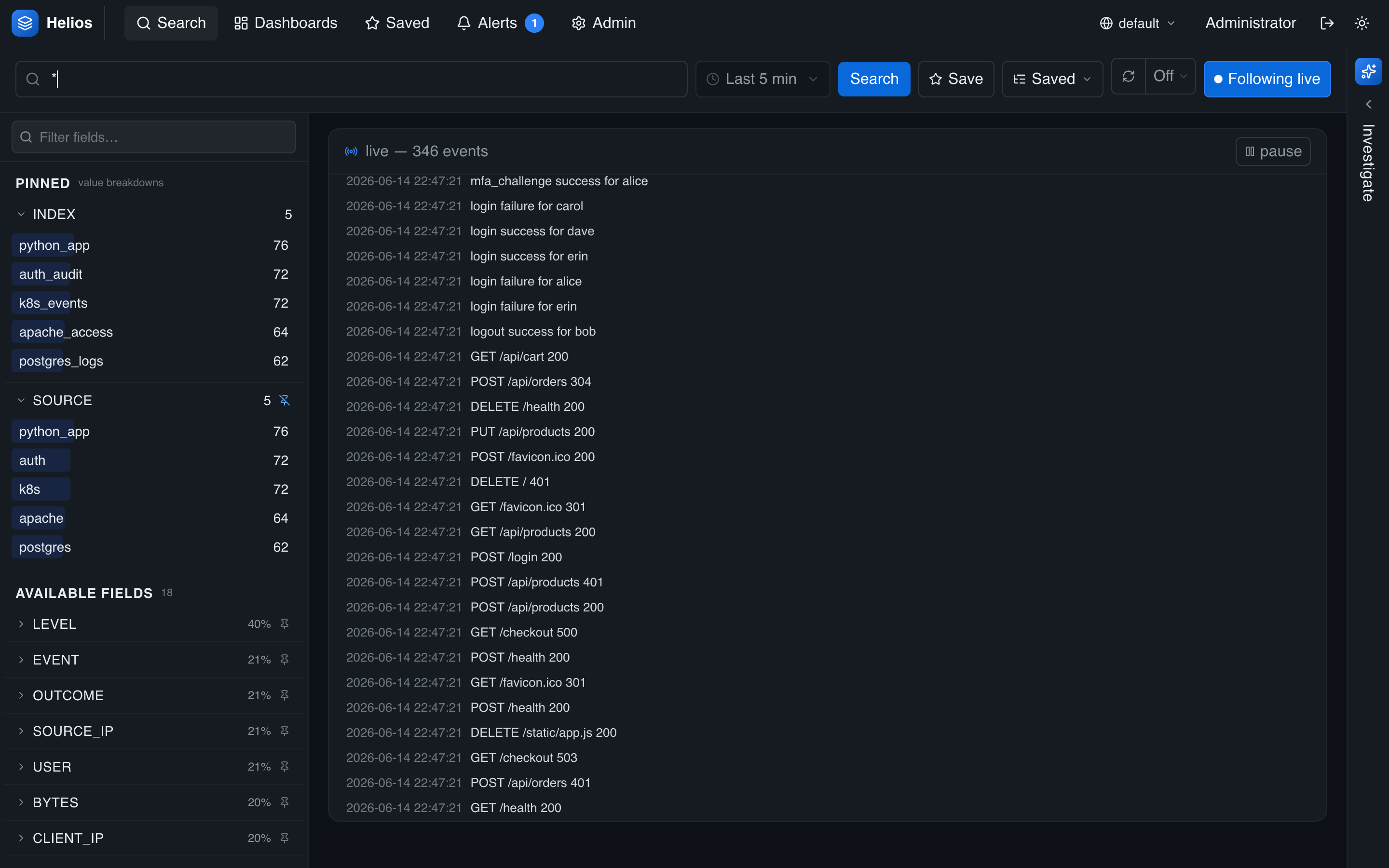
Starting and stopping
Toggle Follow on the search page to enter live tail. It's available for plain queries (a query with a pipe aggregates, so it isn't tailable). New matching events stream in as they arrive, with a live indicator showing the feed is active. Toggle it off to return to the normal search view.
Following and pausing
- The feed auto-scrolls to keep the newest events in view.
- Scroll up to read back and auto-scroll pauses, with a control to jump back to the live edge.
Filtering while tailing
Click a value in an event to add it as a filter, just like in the normal results list — the tail restarts with the narrower query. This makes it easy to start broad and tighten the stream as you spot what you're looking for.
Live tail vs. auto-refresh
Use live tail to watch a stream in real time. Use auto-refresh when you want a periodically refreshed snapshot (including aggregations and the histogram) rather than a running feed.